Integration Docs
Integration Docs
Amazon Ads
Amazon Ads
Requirements
To set up your Amazon ads account, you would need someone who has access to the Amazon Ads account to “Sign in with Amazon Ads” and grant Segwise permission to your marketing data.
Requirements
To set up your Amazon ads account, you would need someone who has access to the Amazon Ads account to “Sign in with Amazon Ads” and grant Segwise permission to your marketing data.
Step 1: Connect Amazon Ads
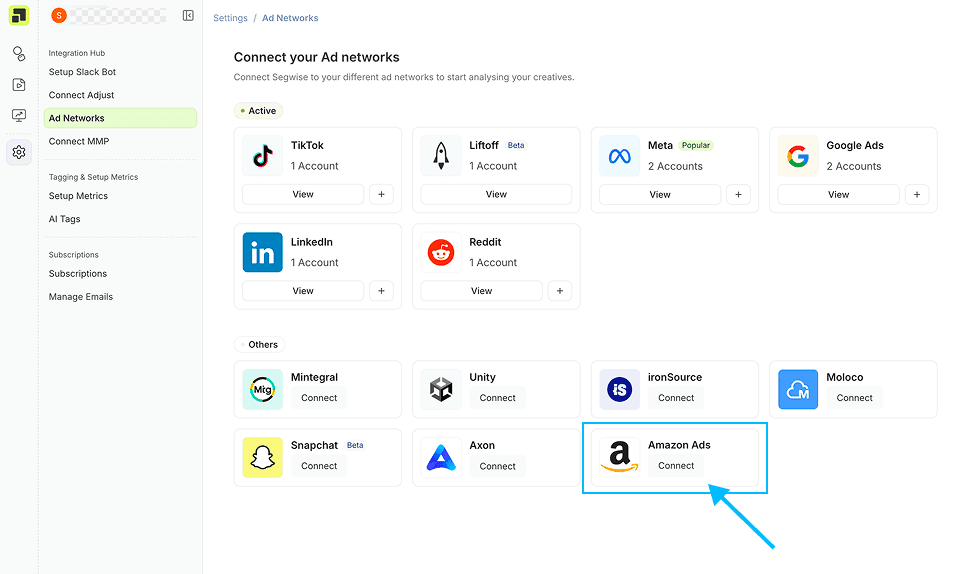
In your Segwise dashboard, go to “Settings” > “Ad Networks”
Click on Connect under Amazon Ads
Step 1: Connect Amazon Ads
In your Segwise dashboard, go to “Settings” > “Ad Networks”
Click on Connect under Amazon Ads
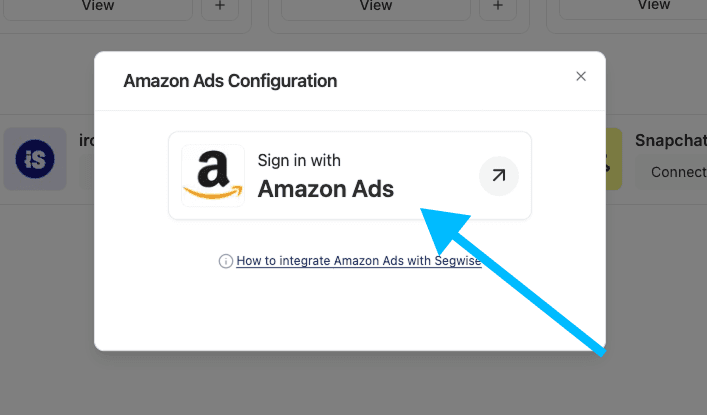
Once the screen loads, click on the Sign in with Amazon Ads button
Step 2: Login to your Amazon Ads Account
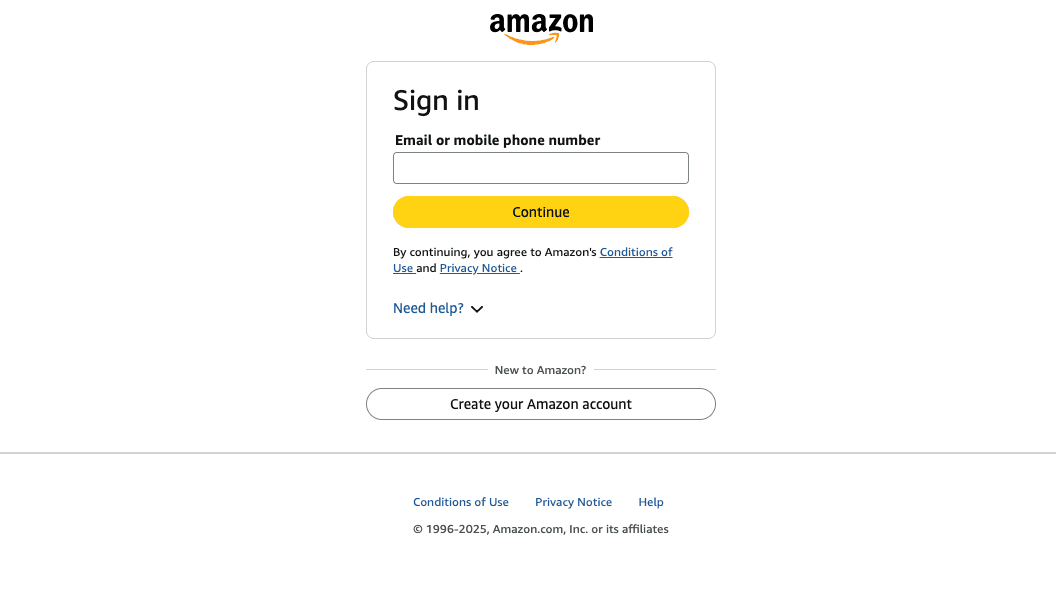
Login to the account with access to your organisation’s Amazon Ads
Step 2: Login to your Amazon Ads Account
Login to the account with access to your organisation’s Amazon Ads
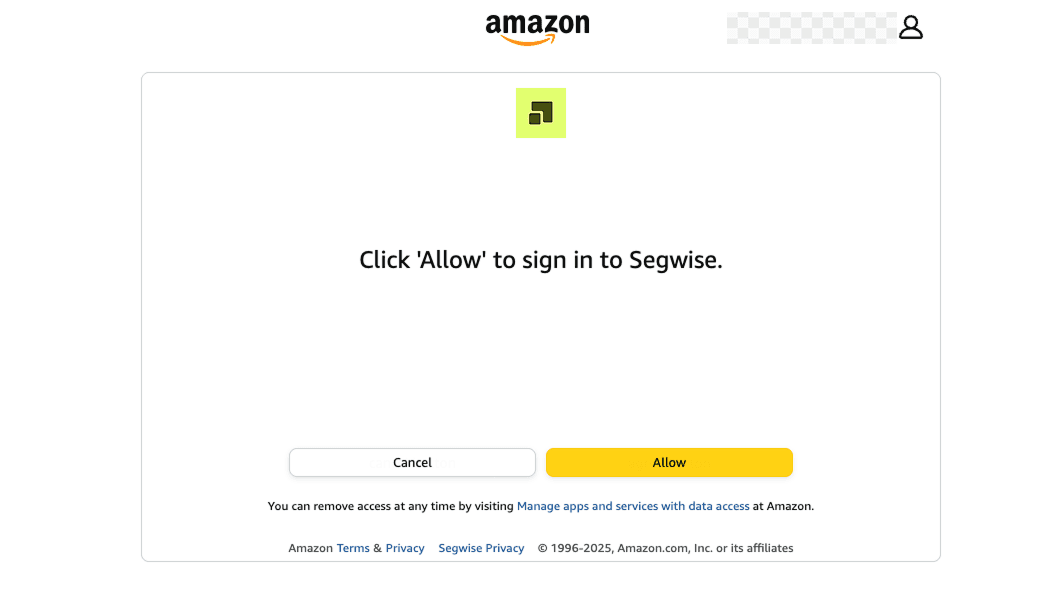
Grant the requested permissions to proceed:
Step 3: Choose Amazon Ads Account
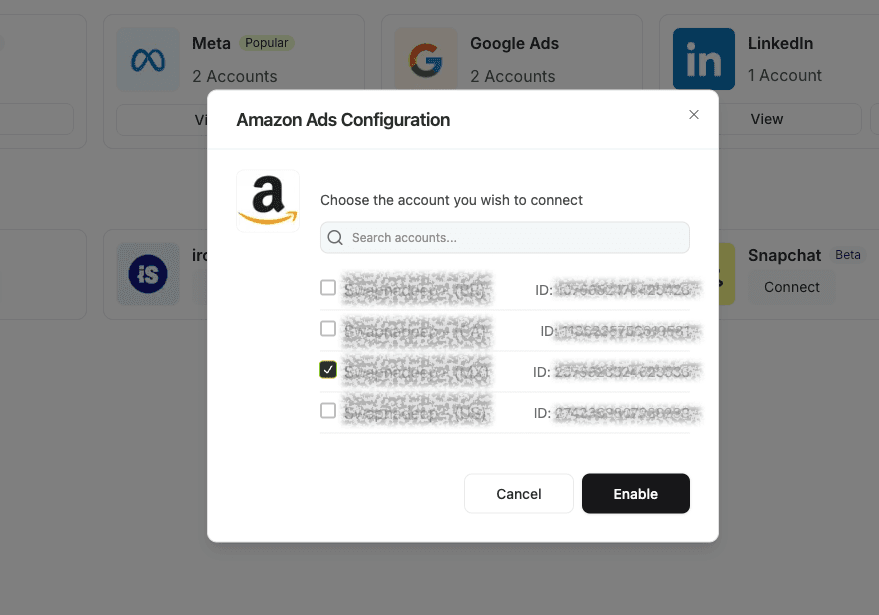
Choose the Amazon Ads Account that you want Segwise to connect to. You can connect as many accounts as you wish.
Click on Enable after selecting your accounts.
Step 3: Choose Amazon Ads Account
Choose the Amazon Ads Account that you want Segwise to connect to. You can connect as many accounts as you wish.
Click on Enable after selecting your accounts.